Wedding Countdown: Track Every Day, Hour and Saturday Until Your Big Day
A wedding countdown turns a faraway date into a number you can plan around. Our free wedding countdown timer shows the days, hours, minutes and seconds left until your wedding day, keeps a Saturday counter, and lists the milestones coming up next. Use it as a simple wedding day countdown clock, or pair it with your checklist and planning timeline so every week has a job. This guide explains how to count the days until your wedding by hand, what to focus on at each stage, and how to share your countdown to the wedding day with family and friends.
Most couples know their wedding date. Far fewer know how many weekends they have left to get ready for it, and that gap is usually where the stress starts. A wedding countdown closes it. Start yours with the tool on this page, then use the rest of this guide to decide what each of those days is for.
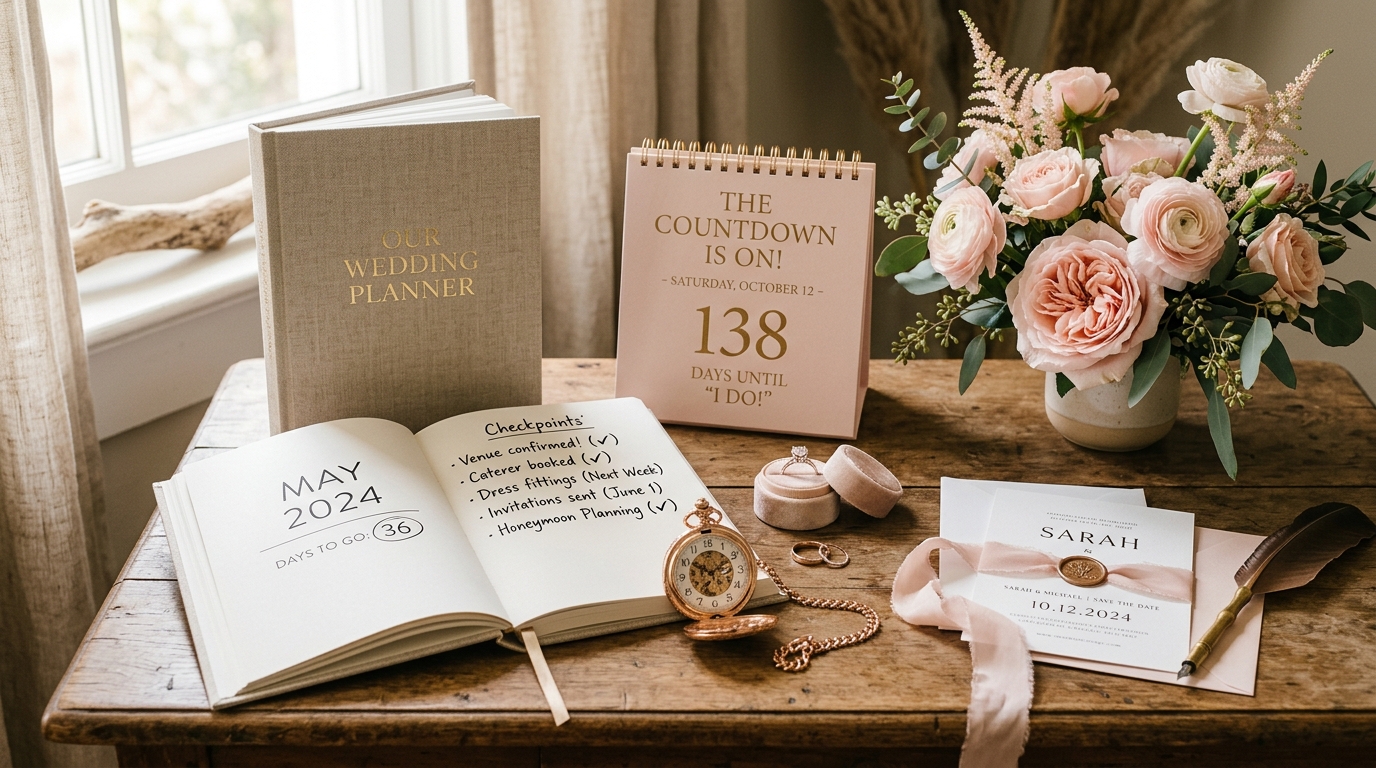
A wedding countdown turns your wedding date into a concrete timeline of weekends, milestones, and deadlines.
What Is a Wedding Countdown?
A wedding countdown is a running tally of the time left before your wedding, usually shown in days, hours, minutes and seconds. You'll also see it called a wedding countdown timer, a wedding countdown clock or a wedding day countdown. They all mean the same thing: you enter the date, and the count updates on its own.
The clock is the easy part. The useful part is what you do when you look at it. Two hundred and forty days feels roomy until you remember that the venue, the caterer and the printer each have deadlines tucked inside those days. That's why our timer shows upcoming milestones as well as a ticking number.
How Does the Wedding Countdown Timer Work?
Our timer is free, and it takes about a minute to set up. Here's how it works:
Enter your details
Add your wedding date and the other details the tool asks for. It adjusts to your wedding automatically, so there's nothing to configure.
Watch the live clock
The timer counts down in real time through days, hours, minutes and seconds.
Check the Saturday counter
It shows how many Saturdays are left before your date. Weekends are when many couples get to venue visits, tastings and fittings, so this number is often more useful than the raw day count.
Read your upcoming milestones
The tool highlights what's coming next, which helps you decide where to spend this week's effort.
Share the social card
Post it, or send it to your wedding party and family.
Why Use a Wedding Countdown?
A wedding countdown makes the time you have left concrete, and concrete time is much easier to plan against. Four things tend to change once you're looking at a real number.
⏳ Time stops feeling abstract
"Eleven months" sounds endless. About 48 Saturdays sounds like something you can divide up.
📈 You can judge your pace
Compare the time left with a 12-month, 6-month or 3-month checklist and you'll see which schedule you're really on.
🤝 Everyone works from the same number
When parents, siblings or the wedding party ask "are we behind?", you can answer with a date instead of a guess.
🎉 It adds a little fun
Planning can feel like admin. A ticking clock and a shareable card give you something to enjoy along the way.
How Do You Calculate the Days Until Your Wedding by Hand?
Count the days from today to the 1st of each following month, then add the days in the wedding month up to your date. Or let the tool do it. The manual method is still handy for double-checking a deadline in a contract or a venue's booking window against your own dates.
Here's a worked example. Say today is Sunday, 1 November 2026, and your wedding is on Saturday, 15 May 2027.
| Stretch | Calculation | Days |
|---|---|---|
| 1 Nov to 1 Dec | Days in November | 30 |
| December | Full month | 31 |
| January | Full month | 31 |
| February 2027 | Full month | 28 |
| March | Full month | 31 |
| April | Full month | 30 |
| 1 May to 15 May | Days up to the wedding | 14 |
| Total | 195 | |
Divide 195 by seven and you get 27 weeks and 6 days. Because 1 November 2026 is a Sunday, the first Saturday on the way is 7 November. That makes 28 Saturdays counting the wedding day itself, and 27 before it. Counting Saturdays by hand takes a calendar and some patience, which is why the tool has a counter for it.
What Should You Focus On as Your Wedding Countdown Shrinks?
Match your tasks to the time left. The table is a quick reference, and each row points to the checklist or tool that goes deeper.
| Time left | Main focus | Go deeper |
|---|---|---|
| 12+ months | Set the budget, sketch a guest count, shortlist venues | 12-Month Wedding Planning Checklist and the Budget Calculator |
| 6 to 9 months | Book the venue and key vendors, start on attire | Your timeline checklist |
| 3 months | Get invitations out, confirm vendor details, book final fittings | 3-Month Express Checklist |
| Final month | Chase RSVPs, set the seating, confirm every vendor | Guest List Manager |
| Final week | Lock the day-of schedule, pack an emergency kit, hand off tasks | Day-Of Schedule & Timeline Checklist |
Timing varies. Destination and multi-day weddings usually need invitations and travel details out earlier, and every vendor has its own cutoffs, so check your contracts before trusting any generic schedule.
If your countdown is already short, it isn't a verdict. Couples do plan good weddings in three months. You just have to decide faster and lean harder on your checklist.
What Should You Do at 100, 60, 30, 14 and 7 Days to Go?
Round-number days make handy checkpoints. Treat these as prompts, and adjust them to your vendors' contracts.
100 days: Confirm the venue and key vendors are booked, and order attire if you haven't yet.
60 days: Get invitations out (earlier for destination weddings) and set up a simple way to track RSVPs.
30 days: Chase missing RSVPs, start the seating plan, and confirm arrival times with every vendor.
14 days: Send your final headcount if the caterer or venue needs it, and check which payments are still due.
7 days: Share the day-of schedule with your wedding party and vendors, and pack the emergency kit.
How Do Milestones Turn a Countdown Into a Plan?
A milestone is a dated checkpoint: a decision made, a deposit paid, a list finished. The countdown tells you how far away the wedding is. Milestones tell you whether you're ready for that distance.
Pick five or six that carry real deadlines. Venue booked, invitations sent, RSVP cutoff, final headcount to the caterer, final payments and a shared day-of schedule are common ones. Log them in the Wedding Milestone Tracker, check them against the countdown once a week, and put the dates on your wedding planning calendar.
How Is a Countdown Different From a Timeline or Calendar?
They answer different questions. Use the countdown for how long, the timeline for what and when, and the calendar for exactly which day.
| Tool | Question it answers | Best used for |
|---|---|---|
| Wedding Countdown | How much time is left? | A quick daily check, motivation, sharing |
| Wedding Planning Timeline | What should I do, and roughly when? | Building a month-by-month schedule |
| Wedding Planning Calendar | What's happening on which day? | Appointments and hard deadlines |
| Wedding Milestone Tracker | Have I reached my key checkpoints? | Big decisions and payments |
| Wedding Planning Dashboard | Where does everything stand? | One overview of the whole plan |
Which Date Should You Count Down To in a Multi-Day Wedding?
Count down to the first day that needs full planning, usually the first big function, and treat the main ceremony as a milestone.
Many Pakistani, Indian and wider South Asian weddings run across several days, with functions such as a mehndi, sangeet, baraat, nikah and walima. A countdown points at one date, so there's no perfect pick. Choosing the first function means venues, decor and travel all get planned against the earliest deadline. Choosing the main ceremony feels more natural but can leave the early events short of time.
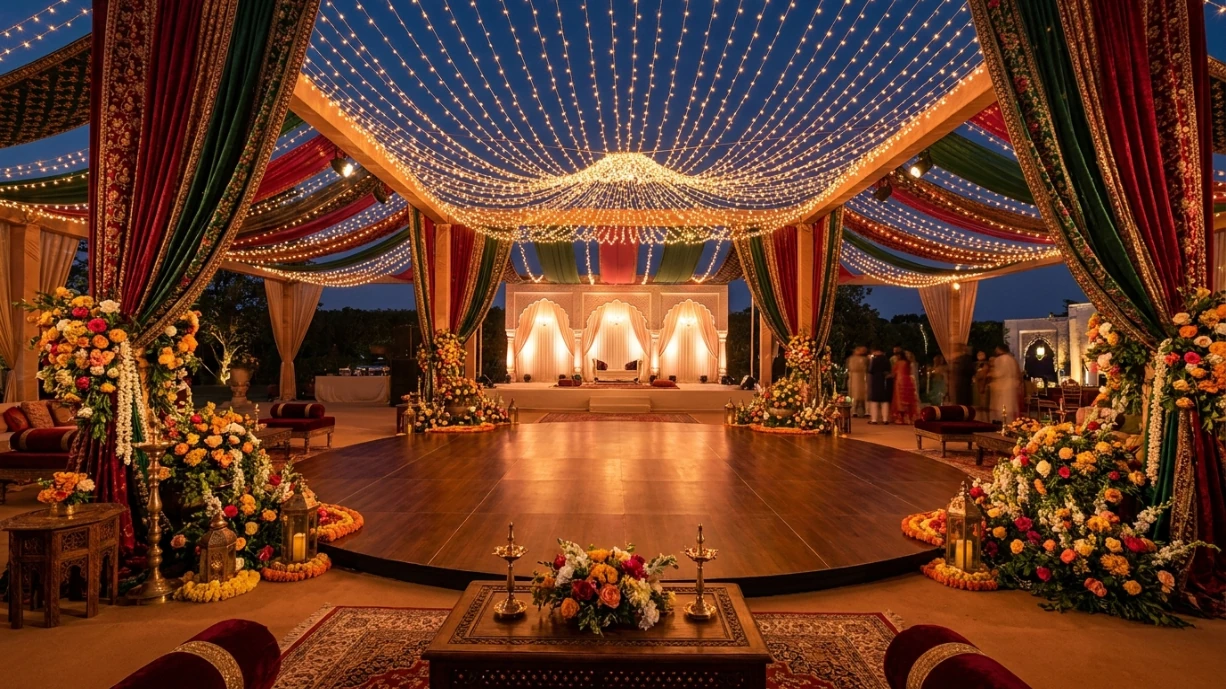
Multi-day celebrations require anchoring your countdown to the earliest function on your calendar.
Our Pakistani & Muslim Multi-Day Checklist and Indian Wedding Master Checklist break the days into functions, so you can plan each one on its own.
How Can You Share Your Countdown With Family and Friends?
The tool includes a shareable social card, so you can post your countdown or drop it into a group chat. A few ways couples tend to use one:
- Post it on round-number days, like 100, 50 and 30 to go.
- Pin it in the wedding party chat so everyone sees the same date.
- Send it to relatives who are booking travel and need a firm sense of time.
Check what the card shows before you post it publicly. If your date or venue is private, keep it in group chats.
How Can a Saturday Planning Date Help?
The Saturday counter suggests a simple habit: treat each Saturday as a short planning session. Thirty to forty-five minutes is plenty. Try this agenda, and log the three tasks in the Weekly Wedding Planner:
- Glance at the countdown and your next milestone.
- Pick three tasks for the week.
- Make one decision you've been putting off.
- Stop, and go do something that has nothing to do with the wedding.
Over 27 Saturdays, that's about 80 tasks and 27 decisions, without a single all-nighter.
Should You Use a Digital Countdown or a Paper Calendar?
Both work, and they do different jobs. A digital wedding countdown clock updates itself, is easy to share and goes wherever your phone goes. A paper wedding countdown calendar on the fridge is harder to ignore and easy for a whole household to see.
If you like crossing things off with a pen, print a checklist and keep the digital countdown as your source of truth. Our printable wedding planning checklist is a good place to start.
Which Countdown Mistakes Should You Avoid?
A ticking clock doesn't book a caterer. Attach one action to every check.
For multi-day weddings, decide on the anchor date early, as covered above.
Set your own deadlines two to three weeks ahead of vendor cutoffs.
Fewer days means fewer, faster decisions. It doesn't mean a worse wedding.
If the date moves, change the countdown the same day and re-share the card, so nobody keeps working from the old number.
Wedding Countdown FAQs
Start Your Wedding Countdown Today
Your date isn't going anywhere, so the useful question is what to do with the days you have. Start the clock, note the next milestone, and pick three tasks for this Saturday. For the bigger picture, our Ultimate Wedding Planning Checklists Guide walks through every stage of planning.
Curated by wedding planning experts dedicated to providing free, stress-reducing tools, timelines, and comprehensive checklists for couples worldwide.
Plan Your Wedding at WeddingPlanningChecklists.org
Combine your live wedding countdown timer with our full suite of interactive tools to organize vendor bookings, budget allocations, guest lists, and schedules from day one.