Wedding Timeline Generator
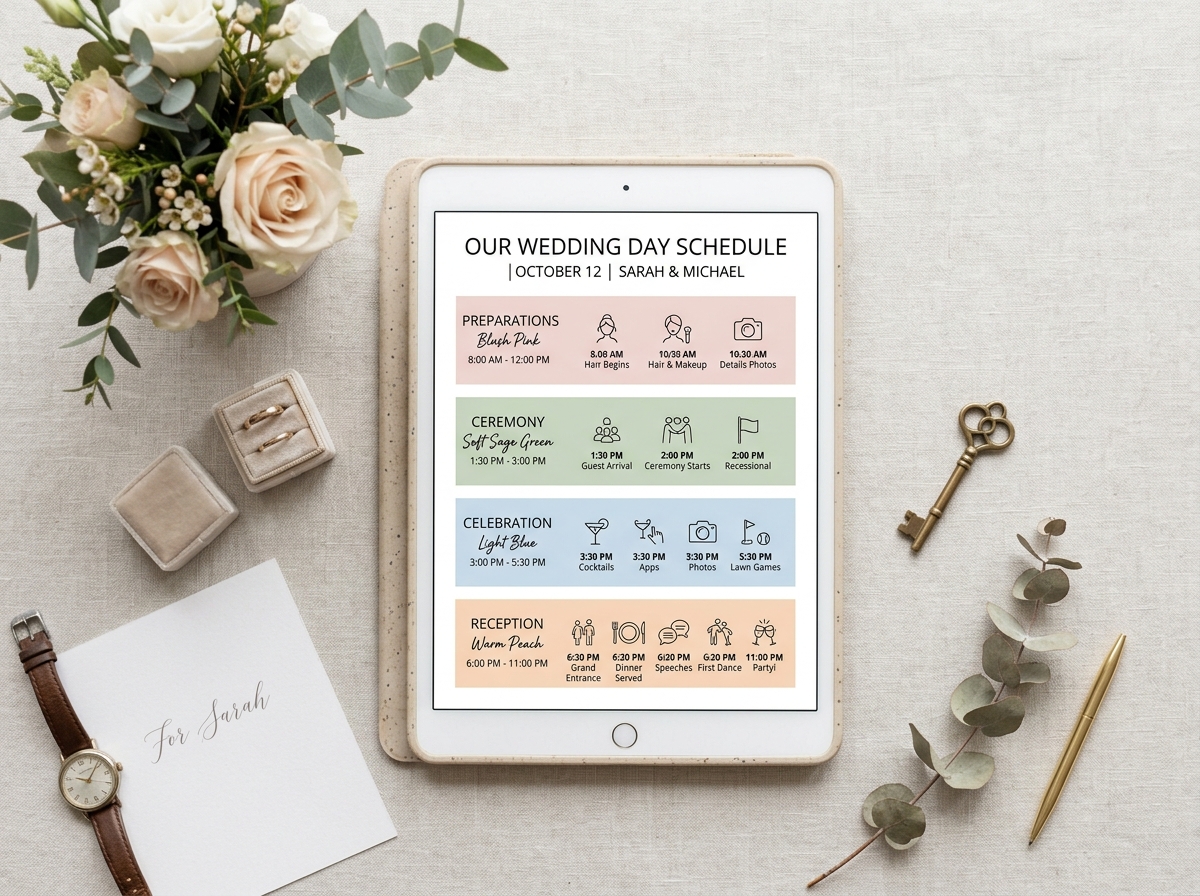
Build a minute-by-minute wedding day timeline. Enter your ceremony time, and it lays out the rest of your day in minutes. Edit any block, and share it with vendors free.
Day-of Timeline Generator
Build Your Minute-by-Minute Schedule
Your ceremony starts at 5:00 p.m. Work backward from there and every other block of the day — hair and makeup, first look, family formals, cocktail hour, dinner, the last dance — has to fit into hours you probably haven't counted yet. That's the math Wedding Timeline Generator does for you.
Most couples build a timeline the hard way: a blank document, a rough sense of "morning stuff, then the wedding, then the party," and a nagging worry they've forgotten something. A generator flips that around. You start from the one time that's already fixed — your ceremony — and let the tool fill in everything else with realistic durations, then you adjust from there.
What a Wedding Day Timeline Generator Actually Does
A wedding day timeline generator turns a single fixed point — your ceremony start time — into a full, ordered schedule for the day: when hair and makeup begins, when the wedding party needs to be dressed, when portraits happen, and how the evening unfolds from cocktail hour to send-off. Instead of estimating each block from scratch, you get a realistic draft to edit rather than a blank page to fill.
It isn't a replacement for a wedding planner's detailed, vendor-specific version. Think of it as the fast first draft: the skeleton that gets 80% of the guesswork out of the way so you, your planner, or your coordinator can spend your time on the 20% that's actually specific to your wedding. Wedding budget planning is often tied to these timeline decisions, as vendor hours drive your overall cost.
How It Works
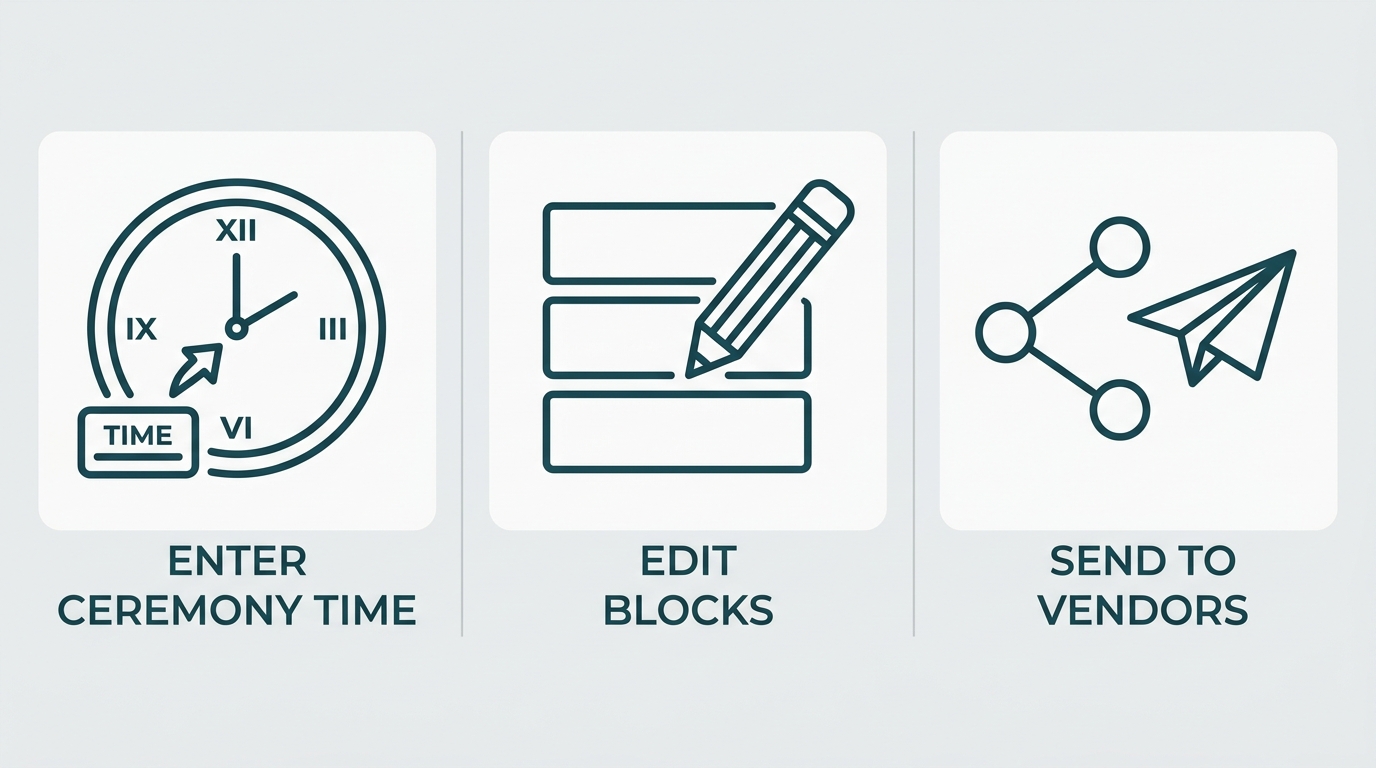
Enter your start time
Enter your ceremony start time, venue setup (one location or two), and whether you're planning a first look.
Review blocks
Review the generated blocks — hair and makeup, portraits, ceremony, cocktail hour, reception — each with a suggested duration.
Edit & share
Edit any time or label, add anything specific to your day, and export or share the result.
That's the whole flow. Most of the actual thinking — how long formals realistically take, how much buffer to leave before the ceremony, how long cocktail hour needs to run if you skipped a first look — is baked into the defaults, so you're adjusting a plan instead of inventing one.
What Your Generated Timeline Includes
Here's what a generated schedule looks like for a 5:00 p.m. ceremony with a first look. Times shift earlier or later depending on your own ceremony time, but the order and proportions hold for most weddings. As your guest list changes, your catering and formals timing may need to adjust slightly.
| Time | Block | Notes |
|---|---|---|
| 11:00 AM | Hair & makeup begins | 4-6 people; 45-60 min/person hair, 30-45 makeup |
| 1:30 PM | Getting-ready photos | Detail shots, dress on, first-look prep |
| 2:00 PM | First look + portraits | Optional; frees up cocktail hour later |
| 2:45 PM | Wedding party & family formals | Ask photographer for a real time estimate |
| 3:30 PM | Buffer / travel to ceremony site | 10-15 min cushion, more if changing venues |
| 4:00 PM | Guests seated | |
| 5:00 PM | Ceremony | 30 min including processional and recessional |
| 5:30 PM | Cocktail hour | 60-90 min if formals weren't done pre-ceremony |
| 6:30 PM | Reception entrance | Links to seating arrangements |
| 7:00 PM | Dinner | |
| 8:00 PM | Toasts & cake | |
| 8:30 PM | Open dancing | |
| 10:30 PM | Last call | |
| 11:00 PM | Grand exit |
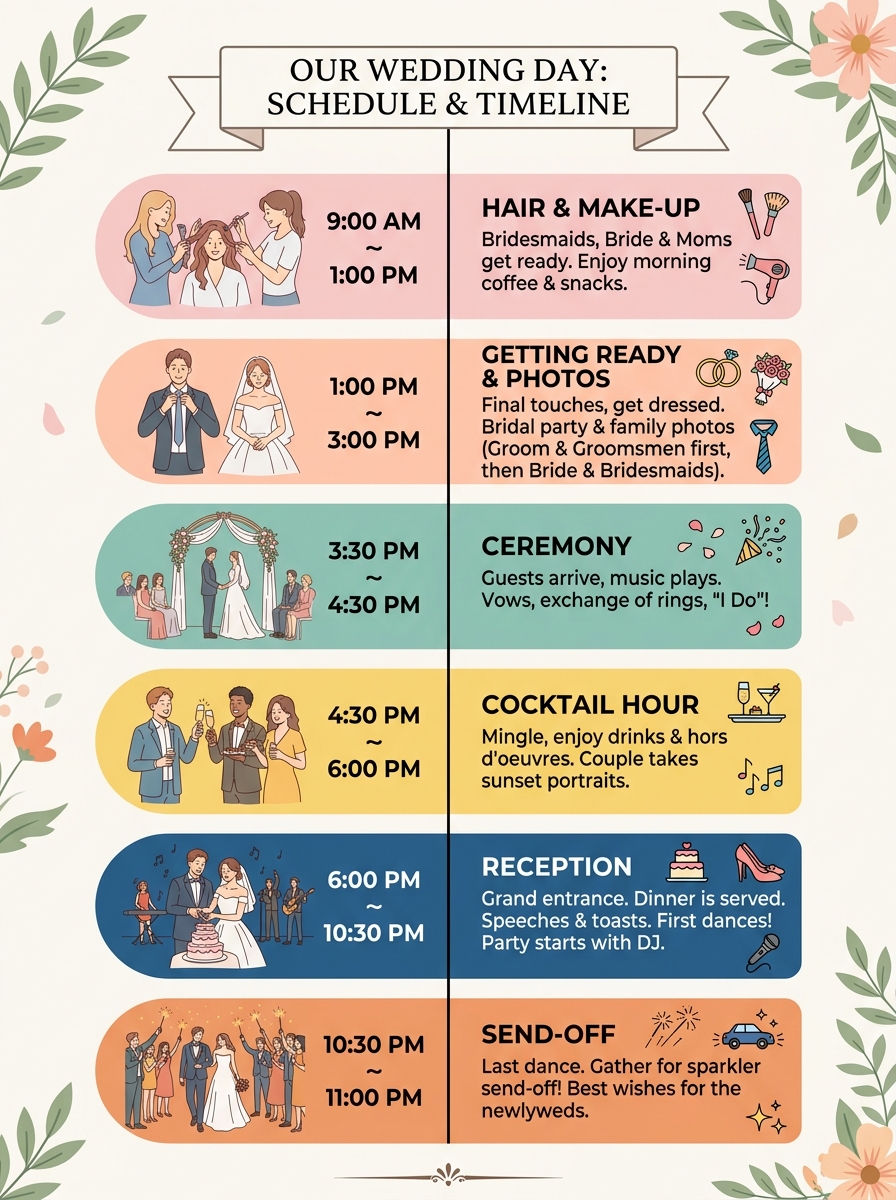
Every block is editable. If your photographer needs 45 minutes for formals instead of the default 30, or your venue requires breakdown to finish by midnight, you change that block and everything downstream should shift with it.
Why a Timeline Beats a Mental Checklist
A wedding day is the one day where a 20-minute delay doesn't stay a 20-minute delay. A ceremony that starts late pushes portraits into cocktail hour. A cocktail hour that runs long means dinner comes out cold. A first dance at 9:30 instead of 8:30 means half the room has mentally checked out before the dancing starts. None of that is dramatic on its own — it's just what happens when nobody has written down what "on time" actually means for this specific day. Using a day-of checklist complements the timeline with task-level detail.
A timeline that exists only in your head isn't a plan; it's an assumption everyone involved is making differently. Your photographer is assuming one pace, your caterer another, and your maid of honor has no idea what either of them is assuming. A written, shared timeline is what makes those assumptions match.
Build Backward From Your Ceremony Time
Here's where most DIY timelines go wrong: couples start planning from the morning — "we'll wake up, have breakfast, start hair and makeup around 10" — and work forward, hoping it lands somewhere near the ceremony. It rarely does. The better approach, and the one a generator forces by design, is to anchor everything to the ceremony time and work outward in both directions. Ensure your invitations match the exact ceremony time on the generated timeline.
Sharing Your Timeline With Vendors
A timeline only helps if the right people actually see it. The general pattern that works for most weddings:
- ✓Share a rough draft with your photographer and planner four to six weeks out and ask them to flag anything unrealistic — they've seen more wedding days than you have. Note: check your photography planning shot list to ensure portrait blocks are sufficient.
- ✓Send the finalized version to every vendor two to four weeks before the wedding: photographer, videographer, florist, caterer, DJ or band, officiant, hair and makeup team, and transportation.
- ✓Give your maid of honor, best man, and both sets of parents the full timeline, not just their piece of it.
- ✓Avoid sending multiple revisions in the final week. A vendor working from an outdated copy is a bigger risk than a small imperfection in your schedule.
Common Timeline Mistakes to Avoid
Add 10-15 minutes between major blocks and a full 30-minute cushion before the ceremony.
Ask your photographer directly how long formals and portraits actually take instead of guessing.
Give each person only the information relevant to their role to avoid confusion.
Aim for a draft four to six weeks out to give vendors time to flag conflicts.
Rehearsal planning, marriage license location, and a rain-plan call time if part of the day is outdoors.